Claude AI Guide: Plans, Models, Limits and Tips
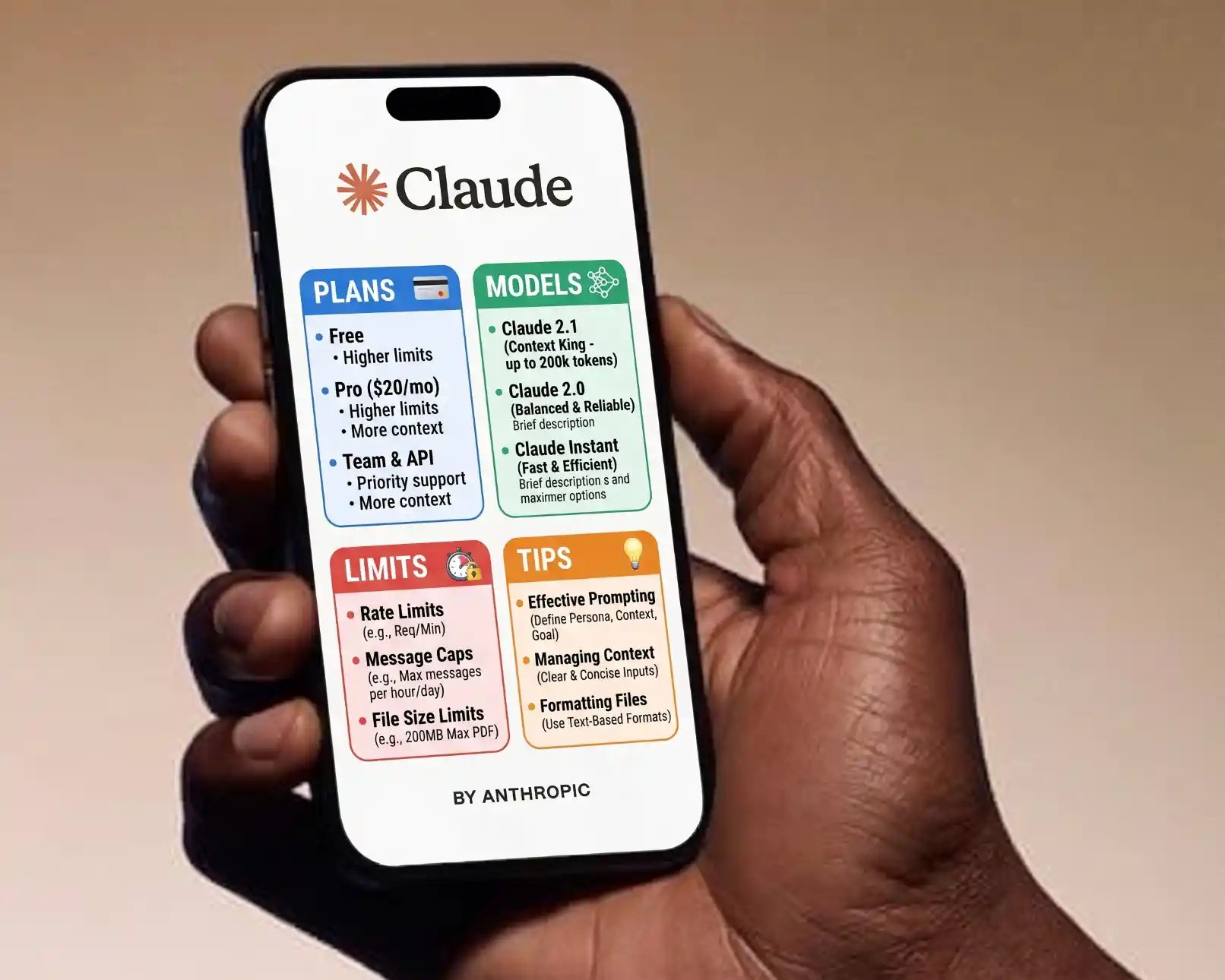
Quick answer: Claude is an AI assistant made by Anthropic, available on the web at claude.ai, in desktop and mobile apps, and through an API. The Free plan covers everyday chat, web search, file creation and memory. Pro ($20 a month, or $17 a month billed annually) adds more usage, Projects, more models and Claude Code. Max plans start at $100 a month for much higher usage. Usage limits reset over time rather than being a fixed number of messages, so long chats and large files use your allowance faster.
Key takeaways
- Claude is available on web, desktop (Mac, Windows, Linux), iOS and Android, plus the API for developers.
- Plans: Free, Pro, Max (5x and 20x usage), Team and Enterprise; prices and features change, so check the official pricing page.
- Limits depend on message length, attachments, model choice and tools, not just message count.
- Projects, memory, styles and connectors make Claude far more useful for repeated work.
- Claude Code, Anthropic’s coding agent, is included from the Pro plan upward.
- Good prompts with context, examples and a clear output format get much better results.
Plan details below reflect Anthropic’s pricing page at the time of writing (September 2026). Check claude.com/pricing for current information.
What is Claude?
Claude is a family of large language models and the assistant built on them, developed by Anthropic, an AI safety and research company. You can use Claude to write and edit, research topics with web search, analyze documents and data, create files such as documents and spreadsheets, write and debug code, and build small interactive apps called artifacts.
People often compare it with ChatGPT and Gemini. Each has strengths; our comparison of ChatGPT vs Claude vs Gemini for bloggers covers the differences for content work.
Where you can use Claude
| Platform | What it is good for |
|---|---|
| claude.ai (web) | Everyday chat, Projects, artifacts, research |
| Desktop apps (Mac, Windows, Linux) | Same features plus deeper computer integrations and Claude Code in a visual interface |
| Mobile apps (iOS, Android) | Chat, voice conversations and photos on the go |
| Browser and Office extensions | Claude in Chrome and Microsoft 365 integrations on paid plans |
| Claude Code | Agentic coding in the terminal, IDE, desktop and web; see how to install Claude Code |
| Claude API (Claude Developer Platform) | Building Claude into your own apps and workflows |
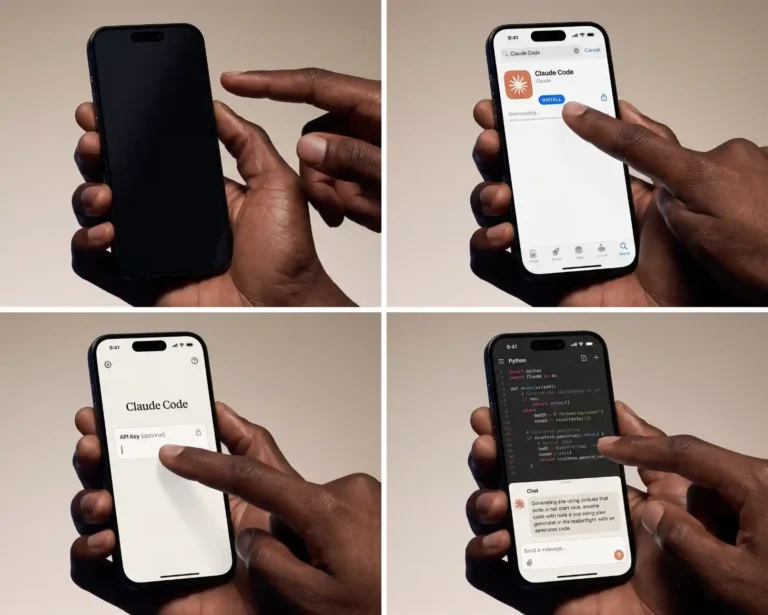
To get started, sign up at claude.ai with an email address or Google account, or download the app from the official Claude website or your app store. Only download apps from official sources.
Claude plans and pricing
| Plan | Price (at time of writing) | Who it suits | Highlights |
|---|---|---|---|
| Free | $0 | Trying Claude, light everyday use | Chat on web, desktop and mobile, web search, file creation, code execution, memory, app connections, artifacts |
| Pro | $20/month, or $17/month billed annually | Regular individual users | More usage, Projects, more models, Claude Code, task scheduling, browser and Microsoft 365 extensions |
| Max 5x | $100/month | Heavy daily users and developers | 5x Pro usage, higher output limits, priority at peak times, early access to features |
| Max 20x | Higher tier above Max 5x | Very heavy users, long coding sessions | 20x Pro usage with the same Max benefits |
| Team | Standard seats from $20/seat/month billed annually ($25 monthly); premium seats with 5x usage cost more | Small and medium teams | Central billing, admin controls, SSO, shared workspaces |
| Enterprise | Per-seat pricing plus usage; contact sales for larger deployments | Large organizations | Advanced security, audit logs, SCIM, custom data retention, compliance options |
Prices may vary by country and exclude taxes. Anthropic sometimes offers education pricing and promotions; check the official site rather than third-party coupon pages.
Which plan should you choose?
- Start with Free if you use Claude a few times a week for writing or questions.
- Choose Pro if you hit limits regularly, want Projects for ongoing work, or want to try Claude Code.
- Choose Max if you use Claude for hours every day, especially for coding or long documents.
- Choose Team if several colleagues need shared projects, central billing and admin controls.
- Use the API if you are building Claude into an app or automation and prefer paying per use.
Claude models explained
Anthropic offers several Claude models at different sizes. Larger models are more capable at complex reasoning; smaller ones are faster and cheaper. At the time of writing, the current lineup includes:
| Model | Best for | API price per million tokens (input / output) |
|---|---|---|
| Claude Fable 5.1 | The most demanding reasoning, research and long, complex tasks | $10 / $50 |
| Claude Opus 5.5 | Advanced coding, analysis and agent work | $4 / $20 |
| Claude Sonnet 5 | A strong balance of quality and speed for everyday work and coding | $2 / $10 |
| Claude Haiku 4.5 | Fast, low-cost tasks such as classification, extraction and quick replies | $1 / $5 |
In the Claude apps, you choose a model from the model menu; paid plans unlock more models. API prices apply only if you use the API; subscription plans are billed monthly instead. Anthropic also offers discounts for batch processing and prompt caching on the API. Model names and prices change as new versions are released, so check the official models and pricing pages before building anything that depends on them.
Which model should you use?
- Everyday writing and questions: the default model in the app is usually the right choice.
- Complex analysis, long documents or tricky code: choose a larger model, accepting slower replies and faster use of your limits.
- Quick, repetitive tasks: a smaller, faster model saves limits or API costs.
Claude usage limits: how they work
Claude’s limits are not a fixed number of messages. Your allowance depends on how much work each message requires. Things that use your limit faster:
- Long conversations: Claude rereads the conversation each time, so later messages in a long chat cost more.
- Large attachments: long PDFs, big spreadsheets and many files.
- Bigger models: more capable models use more of your allowance.
- Tools and extended thinking: web search, research, code execution and deep reasoning add work.
- Claude Code: coding sessions that read many files share the same plan usage.
Usage limits reset over time. On paid plans, usage is managed in rolling sessions and may also have weekly limits; your account’s usage page in Settings shows where you stand. Max plans raise the limits substantially, and some plans let you continue with extra usage billed separately.
How to make your limits last longer
- Start a new chat for each new topic instead of continuing one very long thread.
- Put reusable instructions and files in a Project instead of re-uploading them.
- Upload only the relevant pages or sections of large documents.
- Use a smaller model for simple tasks.
- Ask for concise answers when you do not need long ones.
- Combine related questions into one well-structured message.
Key Claude features and how to use them
Projects
Projects are workspaces with their own instructions and knowledge files. For example, a “Blog” project can hold your style guide, audience notes and example posts, so every chat inside it starts with that context. Projects are available on paid plans.
Memory
Memory lets Claude remember useful details across conversations, such as your role, preferences and ongoing work. You can view, edit or turn off memory in Settings, and use incognito chats when you do not want a conversation remembered.
Styles and custom instructions
Styles control how Claude writes: formal, concise, explanatory or a custom style you create from your own writing samples. Profile preferences apply general instructions to all chats. See training AI on your writing style; the same principles apply to Claude.
Artifacts
Artifacts are standalone pieces of content Claude creates alongside the chat, such as documents, code, diagrams or small interactive apps. You can edit them, iterate on them and share them.
File creation and analysis
Claude can read PDFs, images, spreadsheets and documents, and can create files such as Word documents, spreadsheets, slides and PDFs using its code execution environment.
Web search and research
With web search enabled, Claude can look up current information and cite sources. Research mode runs multiple searches for more complete answers on complex questions. Always check the cited sources for important facts.
Connectors and extensions
Connectors link Claude to services like Google Drive, Gmail, calendars, GitHub and many business tools through the Model Context Protocol (MCP). Browser and Office extensions let Claude work inside Chrome and Microsoft 365 on paid plans. Connect only the services you need, and review the permissions you grant.
Privacy and data settings
Before using Claude for work, spend two minutes in Settings:
- Model training setting: consumer plans (Free, Pro and Max) include a setting that controls whether your chats may be used to improve Anthropic’s models. Choose the option you are comfortable with. Commercial plans (Team, Enterprise and the API) have separate terms, and by default their data is not used for training.
- Memory: review what Claude remembers and turn memory off if you prefer.
- Incognito chats: use them for conversations you do not want saved to your history or memory.
- Connectors: disconnect services you no longer use.
- Sensitive data: avoid pasting passwords, API keys, card numbers or confidential client data into any AI chat unless your organization’s policy allows it and the plan’s terms fit.
Read Anthropic’s current privacy policy and your plan’s terms for the details; they are the authoritative source.
How to write better prompts for Claude
Claude responds best to clear, detailed instructions. A reliable structure:
- Context: who you are, who the output is for and why.
- Task: exactly what you want done.
- Materials: documents, data or examples, clearly separated (XML-style tags such as
<document>work well with Claude). - Constraints: length, tone, what to avoid, what to do when unsure.
- Output format: headings, table, bullet list, JSON.
I run a small blog about home gardening for beginners in the US.
Task: write an outline for an article titled "How to Start a Vegetable Garden in Raised Beds".
Use the notes in <notes> for my own experience and tips; do not invent personal stories.
Audience: complete beginners with a small backyard.
Format: H2 and H3 headings with 1-2 bullet points under each, plus 6 FAQ questions.
If something in my notes seems wrong, point it out instead of using it.
<notes>
[your notes here]
</notes>
More techniques: how to write AI prompts, few-shot prompting and prompt chaining.
Practical ways to use Claude
For bloggers and writers
- Turn research notes into outlines and first drafts, then edit in your own voice.
- Edit and proofread with specific instructions; see editing and proofreading with AI.
- Repurpose posts into newsletters and social posts; see repurposing blog posts with AI.
- Build a Project with your style guide so every draft starts closer to your voice.
For SEO work
- Cluster keywords, draft content briefs and write meta descriptions for review.
- Analyze competitor pages you paste in and find gaps; see competitor analysis with AI.
- Generate structured data drafts and validate them before use.
For website owners and developers
- Build small tools and calculators as artifacts, then move them to your site.
- Debug WordPress errors by pasting error messages and relevant code; see fixing WordPress errors with AI.
- Use Claude Code for multi-file projects and plugins.
For business tasks
- Summarize long documents, contracts (for understanding, not legal advice) and reports.
- Analyze spreadsheets and create charts.
- Draft emails, proposals and standard operating procedures.
Claude API basics for beginners
The Claude API lets you use Claude inside your own software. You create an account on the Claude Developer Platform (Console), add billing, create an API key, and send requests to the Messages API from your code or from tools like n8n; see building an AI agent with n8n.
- Billing: pay per token (roughly pieces of words) for input and output, at rates that depend on the model.
- Keys: store API keys in environment variables or secret managers, never in front-end code or public repositories.
- Cost control: set spending limits in the Console, use smaller models where possible, and use prompt caching and batch processing for large jobs.
- Separate from subscriptions: a Pro or Max subscription does not include API credits; the API is billed separately.
Claude’s limitations to keep in mind
- It can be wrong: Claude can state incorrect facts confidently, especially about niche or very recent topics. Verify important information.
- Knowledge cutoff: without web search, Claude only knows what it learned during training.
- Context limits: very large documents or extremely long chats can exceed what Claude can consider at once.
- Not professional advice: use it to understand legal, medical and financial topics, then confirm with qualified professionals.
- Refusals: Claude declines some requests for safety reasons; rephrasing with legitimate context often helps when a refusal is a misunderstanding.
- Availability: Claude is offered in supported countries only.
Common Claude problems and fixes
| Problem | Fix |
|---|---|
| “You’ve reached your usage limit” | Wait for the reset shown in the message, start shorter chats, use a smaller model, or upgrade |
| Answers ignore earlier instructions in a long chat | Start a new chat and put key instructions in a Project or at the top of the first message |
| Output too long or too generic | Specify length, audience, format and examples |
| File upload fails | Check file size and type, or split large files |
| Outdated information | Turn on web search and ask for sources |
| Cannot log in or sign up | Check that your country is supported, clear cookies, or try the app |
Claude vs ChatGPT vs Gemini at a glance
| Claude | ChatGPT | Gemini | |
|---|---|---|---|
| Maker | Anthropic | OpenAI | |
| Known for | Careful writing, long documents, coding and agents | Broad features, large ecosystem, image and voice tools | Google integration, search grounding, multimodal input |
| Coding agent | Claude Code | Codex | Gemini CLI and Jules |
| Paid entry plan | Pro | Plus | Google AI plans |
Features and prices change quickly across all three; see ChatGPT alternatives and how to use Gemini for deeper comparisons.
How to set up a Claude Project, step by step
Projects are one of the most useful features for anyone who uses Claude for the same kind of work repeatedly. Here is how to set one up for a blog:
- Create the project: in the sidebar, choose Projects, then create a new project called something like “Gardening Blog”.
- Write project instructions: describe your site, audience, tone, formatting rules and things to avoid. For example: “Write for beginner gardeners in the US. Friendly, practical, no hype. Use short paragraphs, H2 and H3 headings, and bold lead-ins ending with a colon.”
- Add knowledge files: upload your style guide, a list of published posts with URLs (for internal links), and two or three of your best articles as examples.
- Start chats inside the project: each new chat automatically uses those instructions and files.
- Keep it updated: add new posts to the list and refine instructions when you find yourself correcting the same thing twice.
The same approach works for client work, product documentation, a job search or a study course: one project per ongoing area, with its own instructions and reference files.
Your first week with Claude: a simple plan
| Day | Try this |
|---|---|
| Day 1 | Ask Claude to explain a topic you know well, and check how accurate it is |
| Day 2 | Upload a long PDF or report and ask for a summary, key numbers and open questions |
| Day 3 | Edit something you wrote: ask for clarity improvements, then compare and choose |
| Day 4 | Build a small artifact, such as a checklist app or a simple calculator |
| Day 5 | Research a current topic with web search and verify the cited sources |
| Day 6 | Set up a Project for a recurring task with instructions and files |
| Day 7 | Review your settings: memory, training preference and connected apps |
By the end of the week you will know where Claude saves you real time, where it needs checking, and whether the Free plan is enough or an upgrade makes sense.
Tips from everyday use
- Ask Claude to ask you questions: “Before you start, ask me up to five questions that would improve the result.” This often produces much better first drafts.
- Request options, then choose: ask for three headline or structure options instead of one.
- Edit in place: quote the exact sentence you want changed rather than asking for the whole piece to be rewritten.
- Ask for uncertainty: “Mark anything you are not sure about” makes fact-checking faster.
- Save what works: keep your best prompts in a note or inside Project instructions.
- Know when to stop: if a chat is going in circles, start fresh with a clearer brief.
Used this way, Claude works less like a search box and more like a capable assistant that improves as you give it better context.
Whichever plan you choose, the fundamentals stay the same: give clear context, check important facts, protect sensitive data and keep your own judgment in charge of the final result.
Frequently asked questions
Is Claude AI free?
Yes, Claude has a Free plan with chat, web search, file creation, memory and artifacts. Paid plans (Pro, Max, Team and Enterprise) add more usage, Projects, more models and Claude Code.
How much does Claude Pro cost?
At the time of writing, Claude Pro costs $20 per month billed monthly, or $17 per month billed annually, before taxes. Check the official pricing page for your country.
What are Claude’s usage limits?
Limits depend on message length, attachments, model and tools rather than a fixed message count. They reset over time, and paid plans may also have weekly limits. Max plans offer 5x or 20x Pro usage.
Is Claude better than ChatGPT?
It depends on the task. Many users prefer Claude for writing quality, long documents and coding, while ChatGPT offers a broader set of features. Try both on your real tasks.
Does Claude have a mobile app?
Yes. Claude has official apps for iOS and Android, as well as desktop apps for Mac, Windows and Linux.
Can Claude access the internet?
Yes, with web search turned on, Claude can search the web and cite sources. Research mode runs deeper, multi-step searches.
Does Claude use my chats for training?
Consumer plans include a setting that controls whether chats may be used to improve models. Commercial plans and the API have separate terms that by default do not use your data for training. Check Settings and Anthropic’s privacy policy.
Is Claude Code included in Claude Pro?
Yes. Claude Code is included in Pro, Max, Team and Enterprise plans, and is also available with Console (API) billing. It is not included in the Free plan.