What Is Vibe Coding? Meaning, Tools, Examples and Risks
Quick answer: Vibe coding is a way of building software by describing what you want to an AI in plain language and letting it write the code, while you focus on the result rather than the code itself. The term was coined by AI researcher Andrej Karpathy in February 2025. It is excellent for prototypes, personal tools and simple websites, but anything that handles user data, payments or logins still needs human review, testing and security checks.
Key takeaways
- Vibe coding means building by conversation: you describe, the AI codes, you run it, react and ask for changes.
- In its purest form you do not read the code at all. Most professionals use a safer middle ground: AI writes, a human reviews.
- It has made building websites, calculators, games and small apps possible for non-programmers.
- The main risks are security holes, fragile code that is hard to maintain, and agents making destructive changes. Testing, version control and backups are not optional.
What is vibe coding?
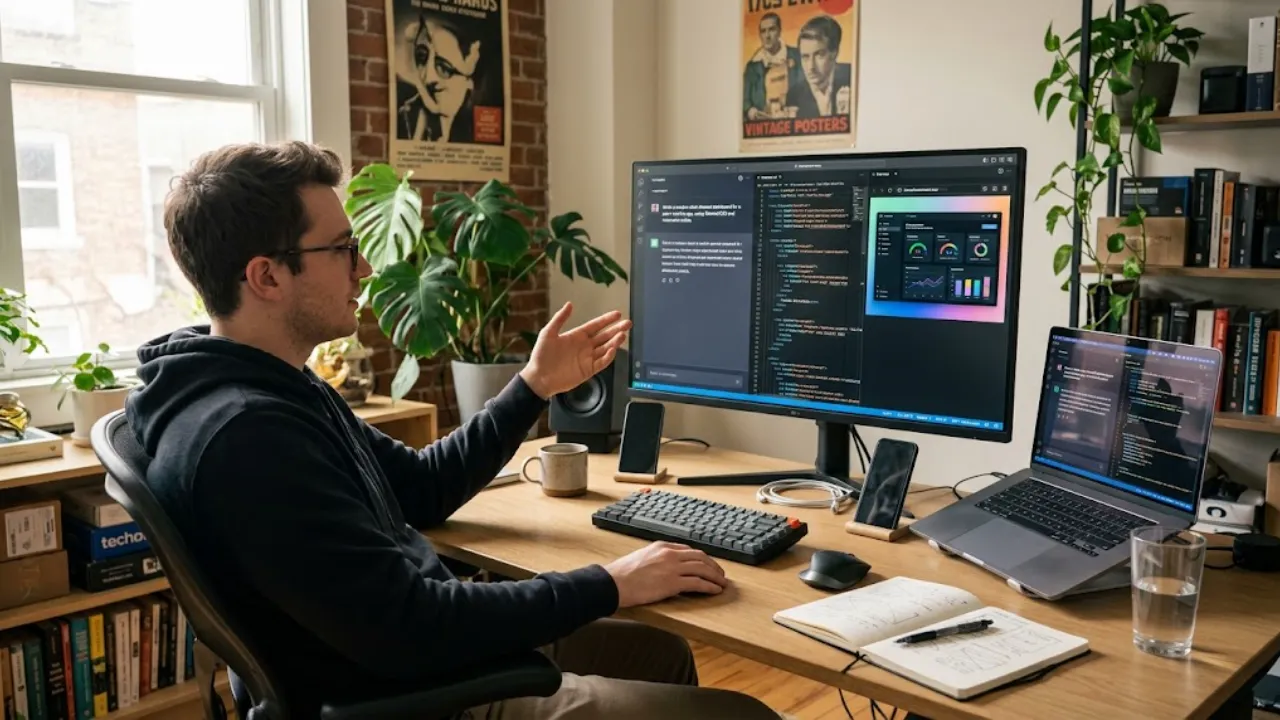
Vibe coding is an AI-assisted approach to programming where you express intent in natural language (“add a dark mode toggle”, “the total is wrong when I enter zero”) and an AI model generates, edits and often runs the code. Instead of typing code line by line, you steer by describing outcomes and reacting to what you see.
The name comes from a post by Andrej Karpathy, an OpenAI co-founder and former head of AI at Tesla, in February 2025. He described giving in to the vibes and forgetting that the code even exists: you see something, say something, run it, paste in errors, and it mostly works. The phrase spread quickly. Merriam-Webster added it to its “slang and trending” list within weeks, and Collins English Dictionary later named it a word of the year for 2025.
Vibe coding vs AI-assisted programming
People use “vibe coding” loosely, but there is a useful distinction that many developers make:
| Pure vibe coding | AI-assisted programming | |
|---|---|---|
| Reading the code | Rarely or never | Always reviewed before it ships |
| Who is responsible for correctness | “It works when I click around” | The developer, with tests |
| Typical user | Non-programmers, hobbyists, rapid prototyping | Professional developers |
| Best for | Throwaway prototypes, personal tools, simple sites | Production software |
| Main risk | Hidden bugs and security holes | Slower, but safer |
Most real projects sit in between: you let the AI write most of the code, but you test it properly, keep versions, and get a knowledgeable review for anything risky.
Vibe coding vs traditional coding vs no-code
| Traditional coding | No-code builders | Vibe coding | |
|---|---|---|---|
| How you build | Write code by hand | Drag and drop components | Describe in words; AI writes code |
| Skills needed | Programming languages | The builder’s interface | Clear communication and testing |
| Flexibility | Unlimited | Limited to the platform | High, since real code is produced |
| Speed to prototype | Slow | Fast | Very fast |
| Ownership | You own the code | Often tied to the platform | Usually you own the code |
| Maintenance | Depends on code quality | Handled by platform | Can get messy without structure |
How vibe coding works: the loop
- Describe: tell the AI what you want to build, for whom, and what “done” looks like.
- Generate: the AI writes the code, sometimes across many files, and may run it for you.
- Run and look: open the result in a browser or app and try it like a user would.
- React: describe what is wrong or missing, paste error messages, or ask for the next feature.
- Repeat: each round moves the project forward in small steps.
The skill that matters most is not syntax. It is being precise about what you want and noticing when something is subtly wrong.
Types of vibe coding tools
| Type | What it does | Examples | Best for |
|---|---|---|---|
| AI app builders | Browser-based: describe an app and get a running version with hosting | Replit, Lovable, Bolt, v0 | Non-programmers and fast prototypes |
| Conversational assistants | Chat that writes code you copy, often with live previews | ChatGPT, Claude, Gemini | Single pages, snippets, learning |
| AI-native code editors | Editors built around AI that edit your project files | Cursor, Windsurf | Growing projects with many files |
| Coding agents | Agents that plan, edit files, run commands and tests in your project | Claude Code, GitHub Copilot agent mode, OpenAI Codex | Multi-step work on real codebases |
| Code completion | Suggests the next lines as you type | GitHub Copilot and similar | Developers who still write code |
Tools change quickly, so pick based on how much control you want: app builders hide the most, coding agents give you the most.
What can you build with vibe coding?
- Websites and landing pages: portfolios, business sites and campaign pages. See how to create a landing page with AI.
- Calculators and tools: tip, mortgage, paint or GPA calculators are ideal first projects. See how to build a calculator website with AI.
- Internal tools: dashboards, simple trackers, spreadsheet automations.
- Prototypes: test a product idea with real users before investing in full development.
- Games and interactive demos: simple browser games and visualizations.
- Scripts: file renaming, data cleanup, report generation.
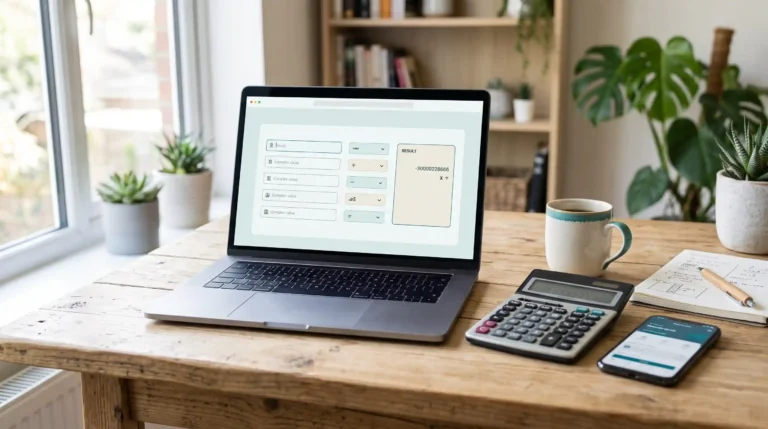
A worked example: vibe coding a tip calculator
Here is what a realistic session looks like for a small, safe project.
Round 1: the brief
Build a single-page tip calculator in HTML, CSS and plain JavaScript.
Inputs: bill amount, tip percentage (buttons for 15, 18, 20, 25 plus custom),
number of people. Show tip amount, total, and total per person.
Update results as I type. Mobile-friendly, large tap targets, clean design.
Round money to 2 decimals.
Round 2: testing like a user
You try a $100 bill at 20% for 4 people and expect $20 tip, $120 total, $30 each. It works. Then you try an empty bill field and see “NaN”. You reply:
When the bill is empty or zero, show $0.00 everywhere instead of NaN.
If people is 0 or blank, treat it as 1.
Round 3: polish
Add a "round up total" toggle, remember the last tip % in localStorage,
and add a short "How tipping works" section below with an example.
Round 4: checks before publishing
Review this code for bugs, accessibility problems (labels, focus states,
screen reader announcements) and anything that would break on older phones.
List issues first, then fix them.
Four short rounds, a working and tested page. The same approach scales to bigger projects, as long as you keep each round small and test after every change.
How to start vibe coding: step by step
1. Pick a small, low-risk first project
Something with no logins, no payments and no personal data: a calculator, a portfolio page, a to-do list for yourself.
2. Choose a tool that matches your comfort level
An AI app builder if you never want to touch files; a chat assistant for single pages; an AI editor or coding agent once your project has several files.
3. Write a clear brief
State the goal, users, features, constraints (languages, no external libraries, mobile first) and what “done” means. Our guide on writing AI prompts covers the principles.
4. Build in small steps
One feature per request. Big “build everything” prompts produce tangled code that is hard to fix.
5. Use version control from day one
Save a working version before each change (Git, or your tool’s checkpoints). When the AI breaks something, you roll back instead of untangling it.
6. Test after every change
Click through the main flows, try strange inputs, and check on a phone. Ask the AI to write automated tests once the project grows.
7. Paste exact errors
Copy the full error message and what you did before it appeared. Vague reports (“it’s broken”) get vague fixes.
8. Ask for explanations
Even if you never write code, ask “explain what this file does in plain English”. Understanding the structure makes you much better at steering.
9. Review before you ship
Ask the AI for a security and bug review, and get a developer to look at anything that stores data, handles money or has user accounts.
Prompting tips for vibe coding
- Start with the goal and user: “A page where a restaurant customer can split a bill” beats “a calculator”.
- Give constraints: language, framework, no external libraries, performance or accessibility requirements.
- Describe behavior, not code: “when I click save with an empty title, show an error under the field”.
- Keep a project brief file: a short README describing the app, its rules and conventions that you paste or keep in the project, so every session starts with context.
- Ask for a plan first on bigger changes: “outline the changes you’d make, then wait for my OK”.
- Protect what works: “don’t change the layout or the calculation logic; only add the export button”.
Benefits of vibe coding
- Speed: ideas become working prototypes in hours instead of weeks.
- Accessibility: people without programming training can build real tools.
- Less boilerplate: developers spend less time on repetitive setup.
- Learning: seeing working code for your own idea is a fast way to understand programming.
- Collaboration: designers, marketers and founders can prototype without waiting for engineering.
Risks and limitations
Security
AI-generated code frequently contains vulnerabilities such as injection flaws, exposed secrets, missing access controls and unsafe input handling. Industry studies in 2025, including Veracode’s research on AI-generated code, found security flaws in a large share of samples, and security did not improve as fast as functionality. Apps built without review have exposed user data after launch.
Destructive actions
Agents that can run commands can also delete files or data. In one widely reported 2025 incident, an AI agent on a coding platform deleted a company’s production database despite instructions not to touch it. Keep backups, separate test and live data, and limit what agents can access.
Maintainability
Code nobody understands becomes hard to change. Many small AI edits without structure lead to duplicated logic and fragile features, a form of technical debt.
Complexity limits
Vibe coding shines on small, well-defined projects. Large systems with many moving parts, integrations and edge cases still need engineering discipline.
Debugging
When something breaks deep in code you have never read, the AI can go in circles. Rolling back to a working version is often faster than more prompting.
Security checklist for vibe-coded projects
- Never put API keys or passwords in front-end code or public repositories; use environment variables.
- Validate and sanitize every user input on the server, not just in the browser.
- Use your platform’s built-in authentication rather than a homemade login.
- Check database access rules so users can only see their own data.
- Keep dependencies updated and remove ones you do not use.
- Ask the AI for a security review, then fix and re-test.
- Have an experienced developer review anything with personal data, payments or accounts before launch.
- Back up data and keep a way to roll back deployments.
When to use vibe coding, and when not to
| Great fit | Use with caution | Avoid without expert review |
|---|---|---|
| Prototypes and demos | Public websites with forms | Payment and banking features |
| Personal tools and scripts | Apps with simple user accounts | Medical or legal data |
| Static sites and calculators | Internal business tools | Security-critical infrastructure |
| Learning projects and games | Integrations with other services | Large production systems |
What vibe coding costs
You can start for free with the free plans of AI assistants and some app builders, and host static sites on free tiers. Heavier use usually means a monthly subscription for an AI coding tool or builder, plus hosting and a domain for anything public. Agents that run for a long time on big projects can use a lot of usage allowance, so start small.
The future of vibe coding
AI coding tools are moving from suggesting lines to carrying out whole tasks: planning, editing many files, running tests and opening pull requests. That makes building faster for everyone, and it shifts the most valuable human skills toward clear specification, product judgment, testing and review. For most people, the realistic future is not “no humans” but humans directing and checking capable AI collaborators. If you want to build a whole site this way, start with how to build a website with AI.
Common vibe coding mistakes and how to fix them
| Mistake | What happens | Fix |
|---|---|---|
| One giant prompt for the whole app | Tangled code, half-finished features | Build one feature per request and test each |
| No saved versions | A bad change breaks everything with no way back | Commit or checkpoint every working state |
| Accepting changes without testing | Bugs pile up unnoticed until launch | Click through the main flows after every change |
| Letting the AI “fix” in circles | Each attempt adds new problems | Roll back, describe the bug precisely, and try a fresh approach |
| Secrets in the code | API keys leak through public repos or the browser | Use environment variables and server-side calls |
| Real customer data in testing | Privacy risk if something goes wrong | Use sample data until the app is reviewed |
| Vague bug reports | Guesswork fixes that miss the cause | Paste the exact error, steps to reproduce, expected vs actual result |
| Never reading any code | You cannot judge risk or explain how it works | Ask the AI to explain each file in plain English |
Vibe coding with WordPress
You do not have to leave WordPress to benefit. Common patterns:
- Custom blocks and shortcodes: describe a small feature, such as a calculator, pricing table or FAQ accordion, and have the AI package it as a lightweight plugin you install and test on staging.
- Theme tweaks: ask for CSS changes in plain language (“make cards lift slightly on hover and round the images”), then paste them into your theme’s additional CSS.
- Agents connected to your site: newer plugins let an AI agent create pages, adjust settings and publish posts through WordPress itself. They are powerful, so take a backup first and review changes.
This site was built partly this way. For the full setup, see how to build a WordPress website with AI, and if something goes wrong, how to fix WordPress errors with AI.
A second example: a one-page product site
Vibe coding also works well for marketing pages. A realistic sequence:
- Brief: “One-page site for a meal-prep delivery service in Austin. Sections: hero with order button, how it works, weekly menu, pricing, genuine reviews I’ll paste, FAQ, footer with contact. Warm, modern, mobile first.”
- Content pass: paste your real menu, prices and reviews and ask the AI to fill the sections without inventing anything.
- Design pass: “Use a cream background, deep green accent, rounded cards and a serif headline font.”
- Behavior pass: “Make the order button scroll to the pricing section; add a sticky mobile order bar.”
- Quality pass: “Check color contrast, image sizes, page speed and meta tags; list issues, then fix them.”
The result is a fast, custom page you own, built in an afternoon rather than weeks.
Handing a vibe-coded project to a developer
If your prototype takes off, you will likely bring in a developer. Make the handoff easy:
- Keep the code in version control with a readable history of what changed and why.
- Write a short README: what the app does, how to run it, where data is stored, which services it uses.
- List known issues and anything you were unsure about, especially around data and security.
- Ask the AI to generate documentation and tests before handoff; they help the developer trust and extend the code.
- Be ready for some rewriting: a prototype proves the idea; production quality may require restructuring.
Vibe coding glossary
- LLM (large language model): the AI model that reads your prompt and generates code or text.
- Prompt: your instruction to the AI.
- Agent: an AI that can take actions, such as editing files and running commands, not just reply.
- Context: everything the AI can see at once: your prompt, files and conversation.
- Version control (Git): a system that saves snapshots of your code so you can undo changes.
- Deployment: publishing your project so others can use it.
- Environment variables: a safe place to store secrets such as API keys outside your code.
- Technical debt: shortcuts in code that make future changes harder.
Who is vibe coding for?
| You are… | How vibe coding helps | Where to be careful |
|---|---|---|
| A blogger or site owner | Build calculators, quizzes and interactive tools that make your content more useful and linkable | Check every formula and number against a trusted source |
| A small business owner | Launch a site, booking page or internal tracker without hiring immediately | Customer data, payments and privacy rules |
| A founder | Prototype and test an idea with real users in days | Plan for a proper rebuild or review before scaling |
| A designer or marketer | Turn mockups and campaign ideas into working pages | Accessibility, performance and brand consistency |
| A student or career changer | Learn by building things you care about, and ask the AI to explain | Follow your school’s or employer’s rules on AI use |
| A professional developer | Skip boilerplate and explore ideas faster | Keep reviewing, testing and owning the code that ships |
The common thread: vibe coding rewards people who know what they want, test what they get and stay honest about risk.
Frequently asked questions
Who coined the term vibe coding?
Andrej Karpathy, an OpenAI co-founder and former head of AI at Tesla, in a post in February 2025.
Is vibe coding real programming?
It produces real code, but the human role changes from writing code to specifying, testing and steering. Professionals usually combine it with code review and testing.
Do I need to know how to code to vibe code?
No, you can build simple projects without coding knowledge. Understanding the basics helps a lot with debugging, security and bigger projects.
What is the best tool for vibe coding?
It depends on your comfort level: AI app builders for beginners, chat assistants for single pages, and AI editors or coding agents for multi-file projects.
Is vibe coding safe?
For low-risk projects, yes. For anything with user data, payments or logins, AI-generated code must be reviewed and tested, because it often contains security flaws.
Can I build a business on a vibe-coded app?
Many prototypes start that way, but before real customers and data are involved, invest in review, testing, security and maintainable structure.
Is vibe coding free?
You can start free with AI assistants’ free plans and free hosting tiers. Bigger projects usually need a paid AI tool.
Will vibe coding replace software developers?
It automates much routine coding, but complex systems, security, architecture and accountability still need skilled developers. Their work increasingly includes directing and reviewing AI.